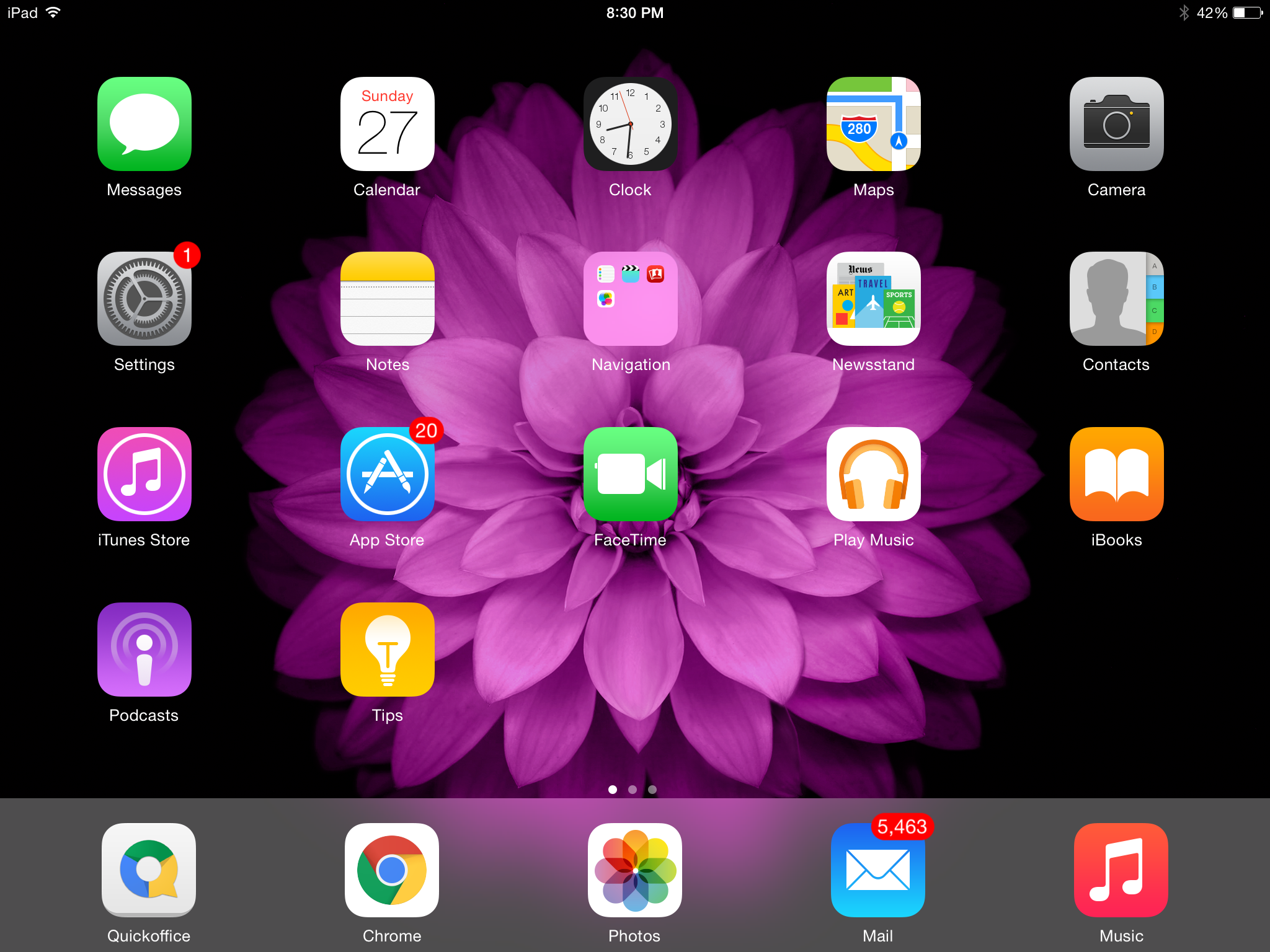
Control Center is Apple’s command controls that operate similar to toggles on Android: it allows you to turn WiFi, Bluetooth, airplane mode, Do Not Disturb, and Volume on or off at a moment’s notice. Unlike Android, which placed its toggles at the top and allows access to them from the top of the display down through the middle, Apple decided to place its Control Center at the bottom of the display so that you need only swipe from the bottom up to access them. In years past, Apple only allowed access to certain controls from the main desktop. If you were watching Netflix, for example, you had to press the home button, then go back to the main desktop, then press the “settings” icon to access control settings. You couldn’t access any controls within each app, interfering with your movie, game, document typing, and other activity. Learning how to access control center within apps in iOS was a non-existent thing.
What many do not know, however, is that you can have access to Control Center within any app in iOS, rather than going back to the main desktop each time and selecting the “settings” icon for them. Here’s how to access control center within apps in iOS.
To learn how to access control center within apps in iOS, go to your settings app. On the left side, you can scroll down to see a section labeled “Control Center,” right beneath “notifications.” If you look directly to the right, you’ll see two toggles: one labeled “Access on Lock Screen” and another labeled “Access Within Apps.” Select the “Access Within Apps” by pushing the toggle to the right. You should see a green section of the virtual button appear. The “green” means “go,” pointing out that you have activated the Access Within Apps function.
You can also activate Control Center to access apps on your lock screen, if you’re someone that likes using a lock screen to hide your information from prying eyes.
Something fundamental shifted in the world of content creation a few years ago. For a…
Ever since the first casino was opened in the 17th century, this sector has made…
If you've spent even a few hours in Princess & Conquest, you’ve likely stumbled upon…
If you've fallen into the chaotic, magical, and slightly NSFW world of Princess and Conquest,…
Understanding the Importance of Fiber in ARK In ARK: Survival Evolved, fiber is one of…
Path of Exile (PoE) is a game that thrives on its intricate economy and trading…